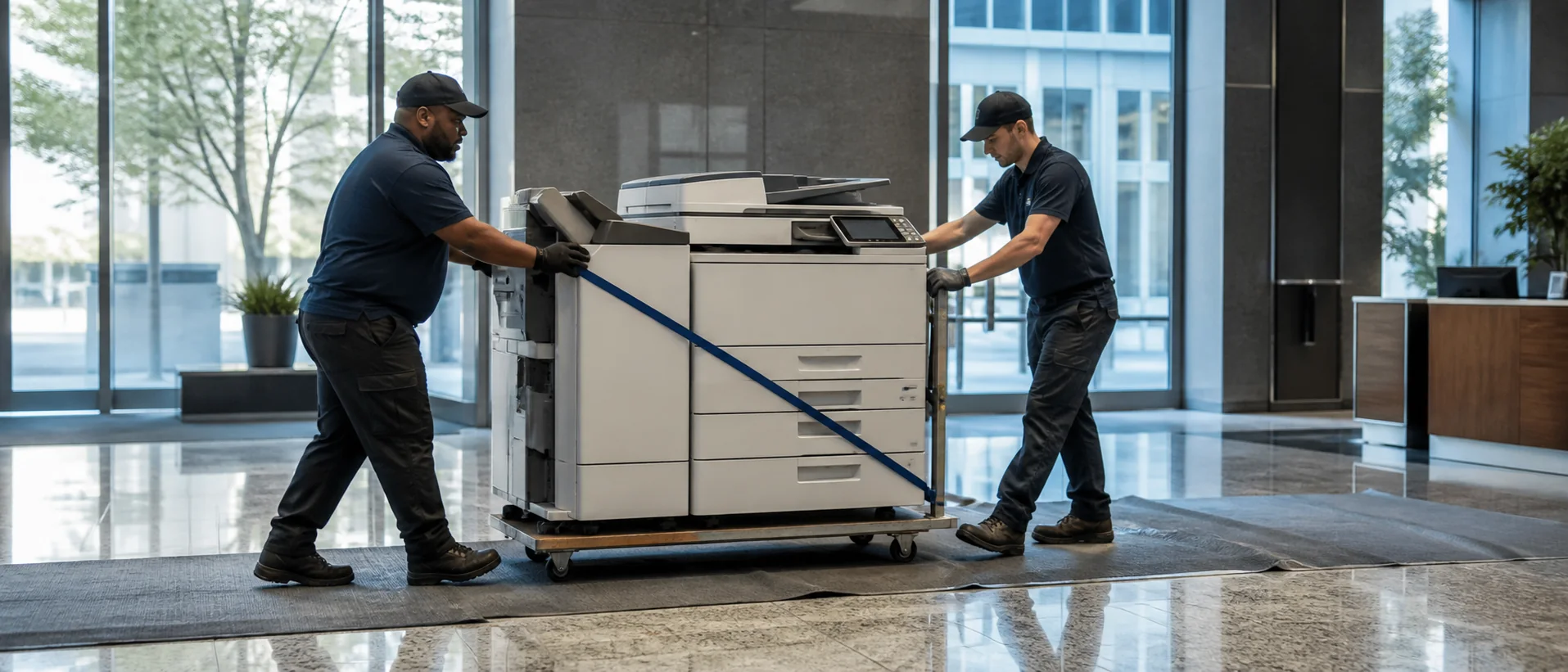
California offices operate across technology, entertainment, logistics, healthcare, agriculture, education, government, manufacturing and professional services. The Bay Area may prioritize secure cloud workflows and fleet administration, Los Angeles organizations may need color and finishing for client-facing work, Sacramento offices may emphasize records and access controls, while Central Valley and inland operations can place greater weight on reliable regional service. Even within one company, the document workload can change sharply from headquarters to branch locations.
Start a California office copier price comparison with a written workload for each site. That protects the buyer from comparing mismatched devices and reveals whether statewide standardization will actually reduce cost.
Configure California office copiers around the documents people produce
A creative team printing color proofs, a legal office scanning case files and a distribution operation producing shipping documents do not need the same copier. Record paper sizes, monthly volume, color percentage, scan destinations, finishing and peak periods. Then decide what copier size fits the workload and whether the office needs the greater paper flexibility of an A3 rather than A4 multifunction printer.
High-end accessories should earn their place. A booklet finisher can save outside-production time for a busy communications team; it is wasted cost for an office that rarely staples. Fast duplex scanning may matter more than print speed where paper records are being digitized. The best proposal explains the operational reason for every added tray, feeder, controller and software license.
Treat every California multifunction printer as a networked information system
Modern copiers store, transmit and route information. California organizations handling customer, employee, financial, legal or health records should establish authentication, secure print release, address-book controls, encryption, firmware management and end-of-life data procedures before installation. Use the copier security requirements guide to coordinate the purchase with IT rather than leaving security settings at dealer defaults.
For multi-site fleets, management tools can make settings and usage more consistent, but governance still matters. Identify who approves new scan destinations, reviews user access and confirms hard-drive sanitization when a leased device leaves. These decisions belong in the procurement record, not in an informal conversation after delivery.
California copier leasing and buying require a total-cost comparison
Quoted equipment payments can vary because providers include different accessories, service volumes and escalation terms. Normalize the proposals. Separate the machine, software, installation and maintenance; calculate expected overages; and identify annual increases. The guide to office copier lease costs shows why a lower monthly figure does not always create the lower contract cost.
Leasing may suit California businesses that want predictable refresh cycles or need to preserve capital. Buying can favor organizations with stable demand and long ownership plans. Read the full copier lease-versus-buy comparison, and include tax and accounting review appropriate to the organization rather than accepting a dealer’s generalized financial claim.
Test California dealer coverage before consolidating the fleet
A provider strong in Los Angeles may not deliver the same response in the Bay Area, Sacramento, San Diego or an inland market. Ask for technician territories, parts locations, escalation paths and actual response commitments by site. When one contract covers multiple metros, define who coordinates calls and whether subcontractors are used.
Larger organizations should compare that arrangement with a managed print services program that measures devices, pages and support patterns across the fleet. Smaller offices can use a complete copier quote checklist to achieve the same discipline. The final California copier pricing request should name every site requiring service and require providers to state where their coverage changes.
Compare copier brands through the California service organization
Canon, Xerox, Ricoh, Sharp and Konica Minolta all offer capable business equipment, but the experience depends on configuration and support. Review the Canon copier guide, Xerox model overview, Ricoh office copier guide, Sharp BP comparison and Konica Minolta bizhub guide. Then ask California providers to quote the nearest equivalent configuration against the same workload.
Compare complete configurations in the markets you operate.
Give providers the same workload, security and service requirements for every California location.