Inglewood combines long-established neighborhood businesses with airport-area operations, industrial and service firms, retail corridors, hospitality and a major entertainment district. Traffic and event calendars can change when deliveries, employees and technicians can reach a property even when an organization’s monthly page count looks ordinary.
Build an Inglewood office copier cost comparison from actual visitor packets, shipping records, credentials, invoices, schedules and administrative scans. A dealer should price the same access conditions, deadlines and applications—not simply quote an engine speed.
Prepare Inglewood copiers for event-driven document surges
Venues, production partners, security teams and nearby vendors may create credentials, staffing lists, schedules, incident forms and vendor packets around fixed event times. Measure the largest event cycle rather than smoothing it into a monthly average. The business copier sizing guide helps connect simultaneous users and peak batches to feeder, tray and processor capacity.
Maintain approved templates and pre-position consumables before major dates. An alternate device must use the same access controls and network destinations if it is expected to carry live operations.
Keep Inglewood hospitality and guest-service output moving
Hotels, restaurants and visitor-serving organizations may print meeting materials, menus, signs, folios and operating checklists on short notice. Use the color copier decision guide to reserve color for guest-facing work while keeping internal pages economical.
Test common stocks and finishing at the required turnaround. Outsource rare specialty pieces, but retain enough local capability to correct a changed schedule or customer packet without missing its deadline.
Verify Inglewood airport-area logistics and service-company scans
Transportation firms, suppliers and mobile-service businesses may capture delivery documents, damage notes, work orders and signed records throughout the day. Demonstrate folded and marked originals through the intended repository. The copier workflow feature guide helps specify multifeed detection, OCR, searchable files and controlled routing.
Check the record after transmission and rehearse a failed batch. Employees should know how to correct a missing side without duplicating the rest of the file.
Separate Inglewood guest, employee and vendor information
Event, hospitality, healthcare and professional organizations may share a device while handling very different records. Apply the office copier security checklist to identity, release queues, destination permissions, encryption, logs, firmware and end-of-life data removal.
Remove departed and temporary users promptly. Keep administrative credentials with the business and document the configuration needed to restore approved routes after replacement or outage.
Give Inglewood small businesses useful capability without excess equipment
Retailers, professional practices, nonprofits and neighborhood services often need reliable scanning and customer documents more than heavy production speed. Start with the longest routine packet, number of simultaneous users and time-sensitive counter work.
The copier speed selection method measures a finished task rather than a headline rate. A compact model with a strong feeder and simple support may outperform a larger configuration that staff find difficult to use.
Plan Inglewood copier delivery and repair around property access
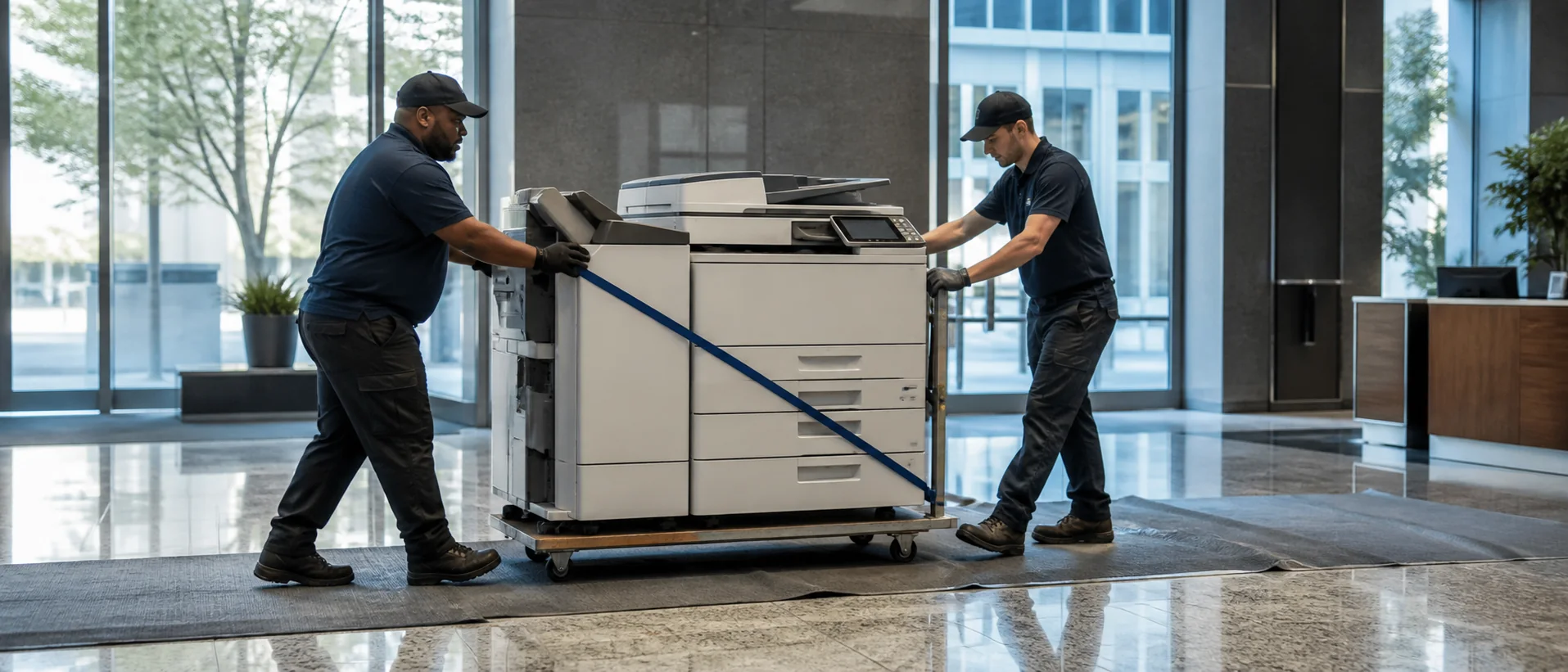
Document loading rules, elevators, security desks, event closures, parking restrictions and the people authorized to admit a technician. Confirm the complete path from curb to final position, including door widths, turns, floor protection, power and network placement.
Ask providers how local traffic and restricted time windows affect dispatch. A service promise has value only when its technician can reach the machine and has the parts and application support required to restore it.
Use Inglewood managed print reporting across venues and offices
A managed print services program can coordinate toner, meters and repair history across guest, administrative and back-of-house areas. Insist on device-level utilization and outage records, then challenge any removal that ignores confidentiality, distance or event continuity.
Assign internal ownership for user lists, cost review and vendor escalation. Automated supply delivery reduces routine work, but it should not obscure unnecessary color, aging desktop printers or recurring failures.
Write Inglewood copier support around fixed operational deadlines
Review the proposed scope with the copier maintenance agreement guide. Confirm covered pages, toner, imaging parts, labor, travel, software and after-hours handling, then define which failures qualify for escalation.
Separate a response call from a restored workflow. Before a large event or group arrival, the business may need loaner capacity, an alternate authenticated route or a documented production partner rather than an open ticket.
Compare Inglewood copier leases without hiding relocation or return terms
The copier leasing and purchasing analysis should include payments, maintenance increases, network services, insurance, moves, early termination, renewal notice and return shipping. Compare suitable Ricoh multifunction copiers and Sharp office systems against the same event and logistics brief.
If a tenant expects to move or reconfigure space, price that scenario before the agreement begins. Do not rely on a salesperson’s verbal description of end-of-term flexibility.
Request Inglewood copier prices with schedules and access documented
Follow the complete copier proposal checklist and the California copier pricing resource. Send an Inglewood copier quote request that identifies event peaks, applications, properties, security roles and restoration expectations so local offers can be compared line by line.
Compare event readiness, secure workflows and reachable local support.
Price Inglewood copiers for the deadlines and access conditions your operation actually faces.