San Jose is the urban center of Silicon Valley, with a business base spanning software, semiconductors, artificial intelligence, data infrastructure, advanced manufacturing, professional and technical services, healthcare, government and education. Many organizations are digitally mature, but contracts, controlled technical packets, employee records and customer documents still require reliable paper and scan workflows.
A useful San Jose office copier price comparison begins with identity systems, repositories, user roles, current meters, peak attendance, paper and the provider’s ability to implement and support the complete workflow.
Test San Jose copier integrations as working systems—not menu icons
Define the identity provider, cloud repository, destination permissions, file naming and searchable-text requirement before the demonstration. Use the copier feature planning guide to turn frequent jobs into a controlled test.
Ask who owns connector licensing, updates and support. A copier can display a cloud destination without fitting the organization’s authentication policy or folder structure. Employees should complete the representative scan on the quoted software tier.
Configure San Jose copiers for engineering and advanced-manufacturing documents
Engineering change packets, quality records, controlled work instructions and design reviews can require mixed-size feeding, legible fine detail and ledger paper. Compare A3 and A4 copier systems from regular 11×17 use rather than defaulting to a floor model.
For a production-adjacent office, protect the device from dust and traffic and keep paper in a stable environment. The model must fit both the document and the physical site.
Right-size San Jose office copiers for hybrid and rapidly changing teams
Historic print volume may overstate present demand, while shared in-office days can create abrupt queues. Collect device meters, active users, scan counts and peak-day behavior. Apply the copier sizing guide with realistic hiring and space plans.
Favor configurations that can add paper, finishing or licenses later when the requirement is uncertain. Flexible growth is usually more valuable than financing speculative capacity from the first day.
Set San Jose copier security to the organization’s technical standard
Review authentication, secure release, administrator roles, encryption, firmware, certificates, audit needs and storage sanitization through the copier security checklist. Make the dealer document enabled settings and update ownership.
Role-based shortcuts should preserve usability without opening unapproved destinations. Include the copier in ordinary access reviews and device-retirement procedures rather than treating it as office furniture.
Make San Jose copier deployment a coordinated IT and facilities change
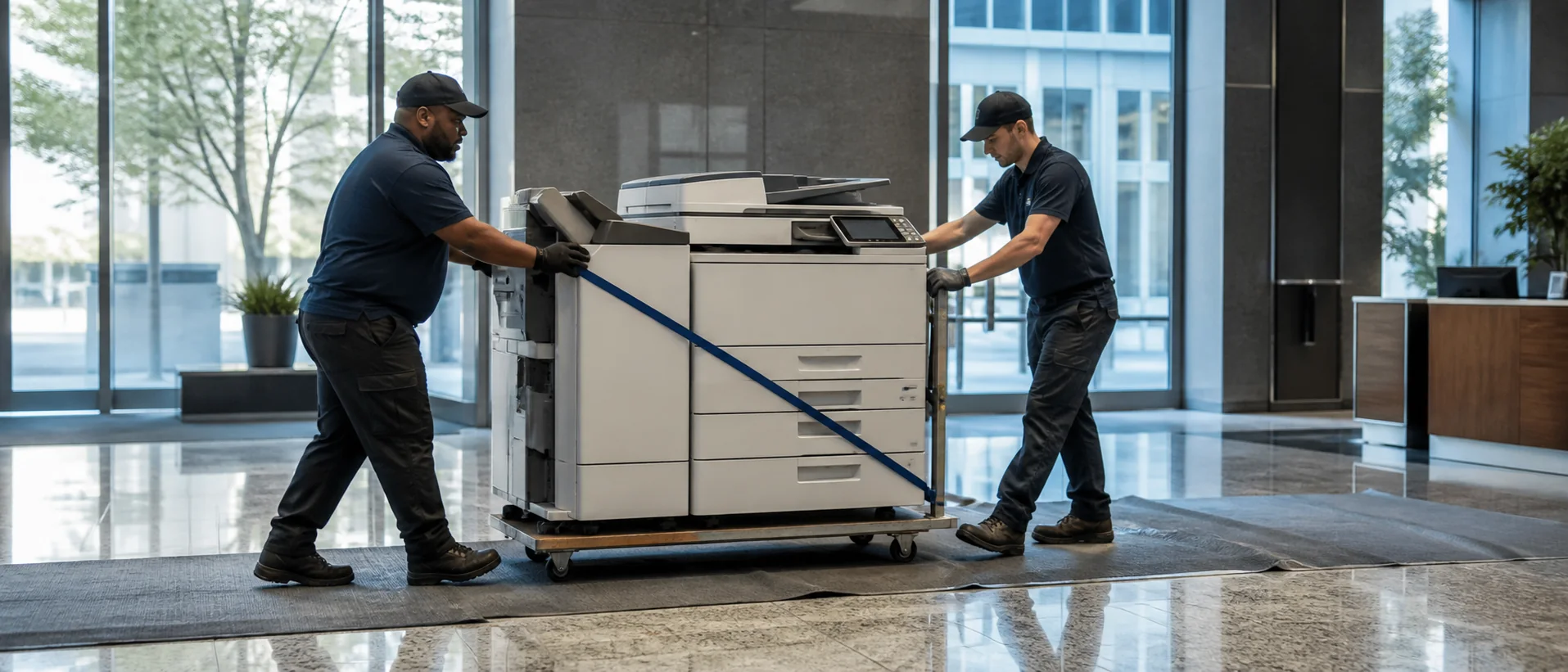
Identify electrical location, delivery access, network segment, credentials, driver method, scan routes and acceptance users before arrival. Follow the complete copier quote checklist for hardware, software, inside delivery, configuration, training and documentation.
Keep a final configuration record with internal IT. When office space or identity policies change, that record prevents an essential workflow from depending on one technician’s memory.
Compare San Jose copier dealers on technical escalation and parts access
Ask which technicians know the proposed family, where parts are stocked and how software or identity problems move beyond first-line service. Use the copier maintenance agreement guide for labor, toner, parts, pages and annual increases.
Clarify the line between dealer support and the internal IT team. A slow handoff between them can create more downtime than the mechanical fault itself.
Compare San Jose copier brands and finance after the architecture is fixed
Review equivalent Canon systems, Xerox multifunction printers, Ricoh copiers, Sharp office equipment and Konica Minolta bizhub models against one integration, paper and security brief. Local implementation skill belongs in the brand decision.
Use the copier lease-versus-buy comparison for total payments, refresh timing, ownership, renewal and return. Include relocation and assignment for organizations whose footprint may change.
Request comparable copier proposals for a San Jose office
Review the California copier guide for other sites. Submit a San Jose copier pricing request with the same systems, documents, implementation and service assumptions for each provider.
Compare integration-ready equipment with accountable Silicon Valley support.
Price the workflow architecture, implementation and service together.