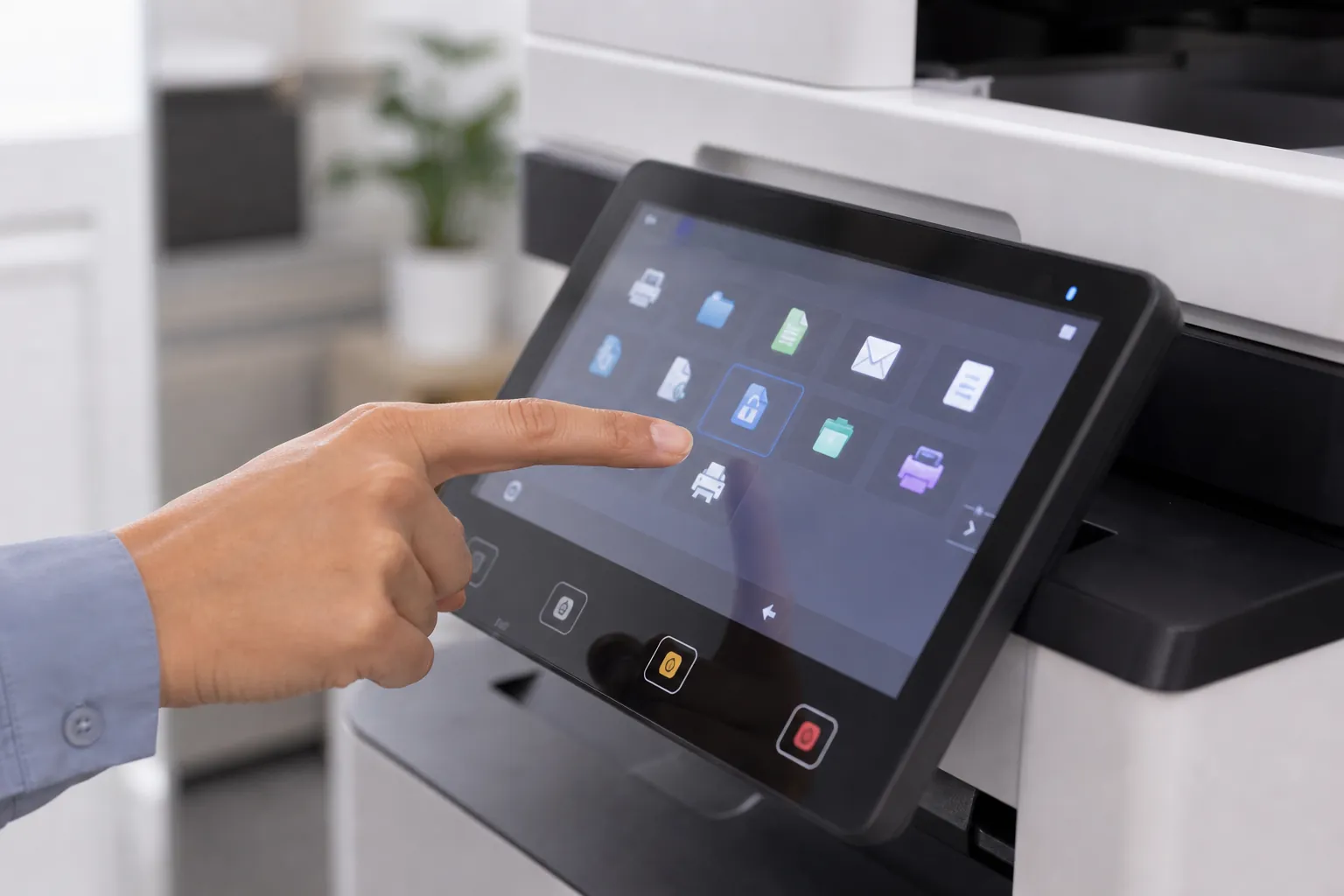
What are the benefits of wireless office copiers for mobile teams?
Wireless copier access lets mobile teams print from supported laptops, phones and tablets without moving files to a shared desktop. The benefit is faster access and fewer workarounds, provided authentication, guest separation, encryption, release controls and device support are configured correctly.
Use this answer to define the requirement, expose meaningful differences among proposals and verify the equipment, service or contract term that supports each claim.
Deploy mobile printing as a controlled service
List supported employee and guest devices, identity requirements and network zones. Test discovery, driverless printing, secure release and failure recovery. Avoid exposing copier management interfaces to broad wireless networks. Assign ownership for certificates, mobile-platform updates and users who lose or replace devices.
Test mobile and remote work without weakening control
Define who may print, from which managed or guest devices, through which network path and with what release method. Verify platform support, certificate and identity requirements, guest isolation, usage reporting and support ownership. Convenience should not bypass the organization’s normal security controls.
Evaluate wireless, mobile and cloud copier integration
Confirm supported operating systems, identity provider, mobile print method, cloud repository, file formats and scan metadata. Test guest, employee and administrator roles. Avoid installing a broad connector when a limited scan destination or managed print queue meets the requirement.
Price the equipment around one clear workload.
Give providers the same volume, paper, scanning, finishing and service brief.
Put the promise into the equipment and service proposal
Require the provider to identify the model, accessory, setting, software, service obligation or contract clause that makes the answer true. Put recurring subscriptions and exclusions beside the equipment price. If the result depends on work after delivery, assign the responsible party, completion date and acceptance test before approving the proposal.
Start with evidence from the current office workflow
Collect meter history, job samples, user complaints, paper purchases and service tickets before changing equipment. Separate recurring needs from one unusual project. A measured baseline helps providers size the proposal and gives the business a way to judge whether the new copier actually improves cost, speed or reliability.
Make training part of the solution
Identify the few settings and workflows employees must understand, then require role-appropriate training and a short reference. Train an internal administrator separately. Revisit adoption after thirty days; a feature that users bypass with email, desktop printers or manual steps is not delivering the value used to justify it.
Connect this answer to the complete copier decision
Research what are the benefits of wireless office copiers for mobile teams alongside the office copier prices guide, copier lease versus buy comparison, Office Copier Buyer’s Guide, current copier brand guide and local copier pricing directory. Use the office copier answer library for narrower contract and feature questions, then carry one consistent requirement into the copier quote request.
- Named workflow and process owner
- Supported identity and mobile platforms
- Cloud destinations and file formats
- Encryption and access controls
- Administration and update responsibility
- Fallback process for outages
Related buyer questions worth resolving
Closely connected decisions include What security features should an office copier have, What is copier cost per page, What is the difference between a copier and a multifunction printer and How long does an office copier last. Resolve them before comparing final proposals so price, capacity, service and contract assumptions stay aligned.