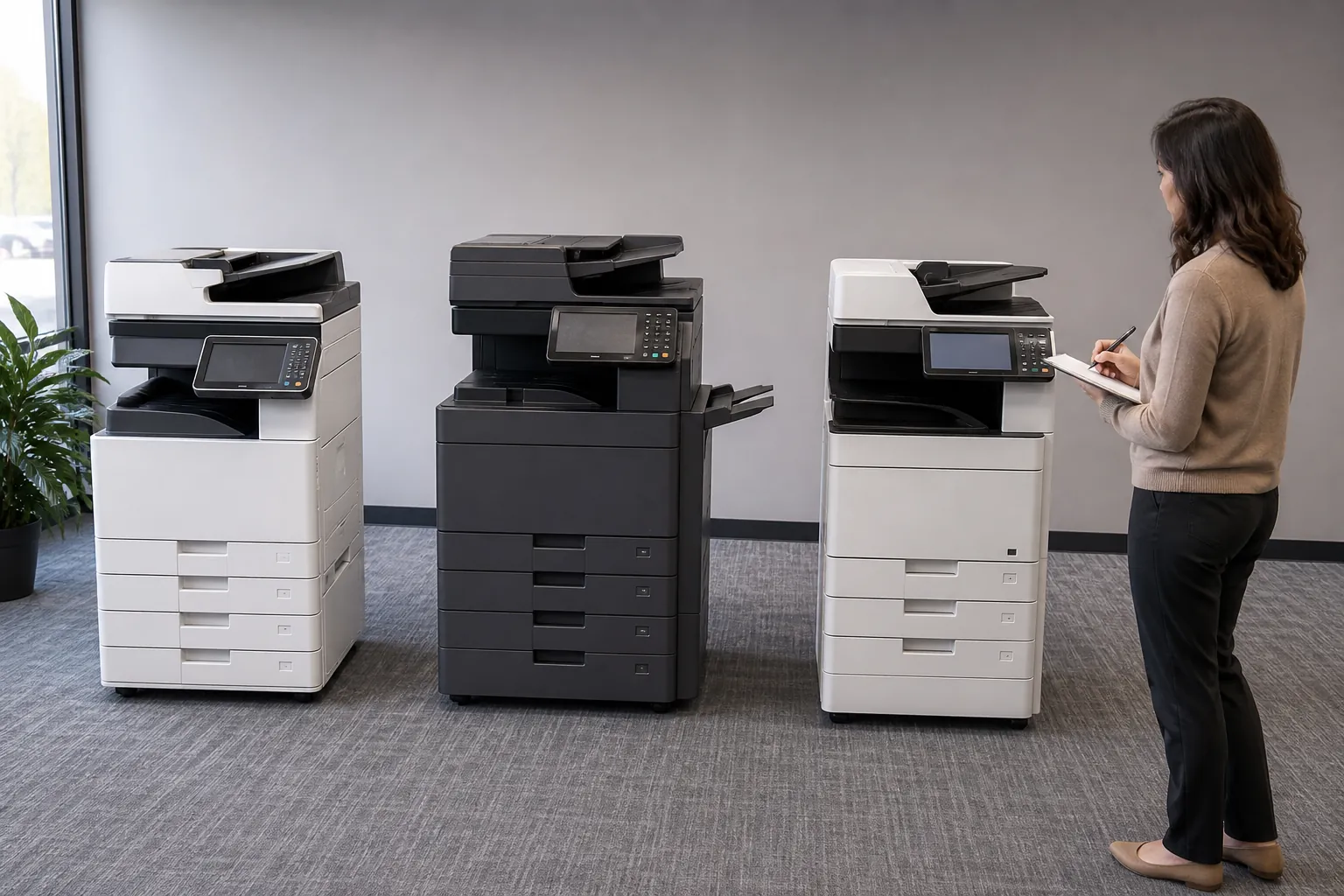
How do color touchscreen copiers enhance office document workflows?
A color touchscreen can reduce training and errors by presenting scan previews, named workflow buttons, searchable destinations and guided settings. It improves work only when the interface is simplified for real roles and protected from unauthorized administrative changes.
Use this answer to define the requirement, expose meaningful differences among proposals and verify the equipment, service or contract term that supports each claim.
Design touchscreen workflows by role
Create a small set of clearly named buttons for common destinations and lock complex settings behind administration. Test readability, preview, error messages and accessibility with ordinary users. Remove unused apps and review shortcuts after process changes so the screen stays useful instead of becoming cluttered.
Control color quality and color printing cost
Estimate the pages that genuinely need color, the required quality and whether users can default routine output to monochrome. Compare color click rates, calibration expectations, media support and sample output from the proposed configuration. A small colored logo can cause a page to be billed as color, so understand the meter rules.
Start with the document workflow, not the app list
Write the current steps for print, scan, approval, filing and retrieval. Identify repeated data entry, manual renaming and destinations that create errors. A copier connector is useful when it removes those steps while preserving access control and records management.
Price the equipment around one clear workload.
Give providers the same volume, paper, scanning, finishing and service brief.
Check the provider behind the copier configuration
Ask how the dealer installs this requirement, trains users, stocks parts and handles repeated problems. Compare response territory, escalation and continuity rather than accepting a general service promise. The exact hardware matters, but the provider determines whether its capabilities remain available during daily work.
Start with evidence from the current office workflow
Collect meter history, job samples, user complaints, paper purchases and service tickets before changing equipment. Separate recurring needs from one unusual project. A measured baseline helps providers size the proposal and gives the business a way to judge whether the new copier actually improves cost, speed or reliability.
Prove the answer with a realistic copier test
Use an ordinary document and the proposed configuration—not a showroom file or a different model. Reproduce the paper, scan destination, user permissions and finishing involved in this question. Record speed, intervention, output and any option or license required. A short witnessed test converts a sales statement into evidence the implementation team can use.
Connect this answer to the complete copier decision
Research how do color touchscreen copiers enhance office document workflows alongside the office copier prices guide, copier lease versus buy comparison, Office Copier Buyer’s Guide, current copier brand guide and local copier pricing directory. Use the office copier answer library for narrower contract and feature questions, then carry one consistent requirement into the copier quote request.
- Named workflow and process owner
- Supported identity and mobile platforms
- Cloud destinations and file formats
- Encryption and access controls
- Administration and update responsibility
- Fallback process for outages
Related buyer questions worth resolving
Closely connected decisions include What is copier cost per page, What is the difference between a copier and a multifunction printer, How long does an office copier last and How much does it cost to lease an office copier. Resolve them before comparing final proposals so price, capacity, service and contract assumptions stay aligned.