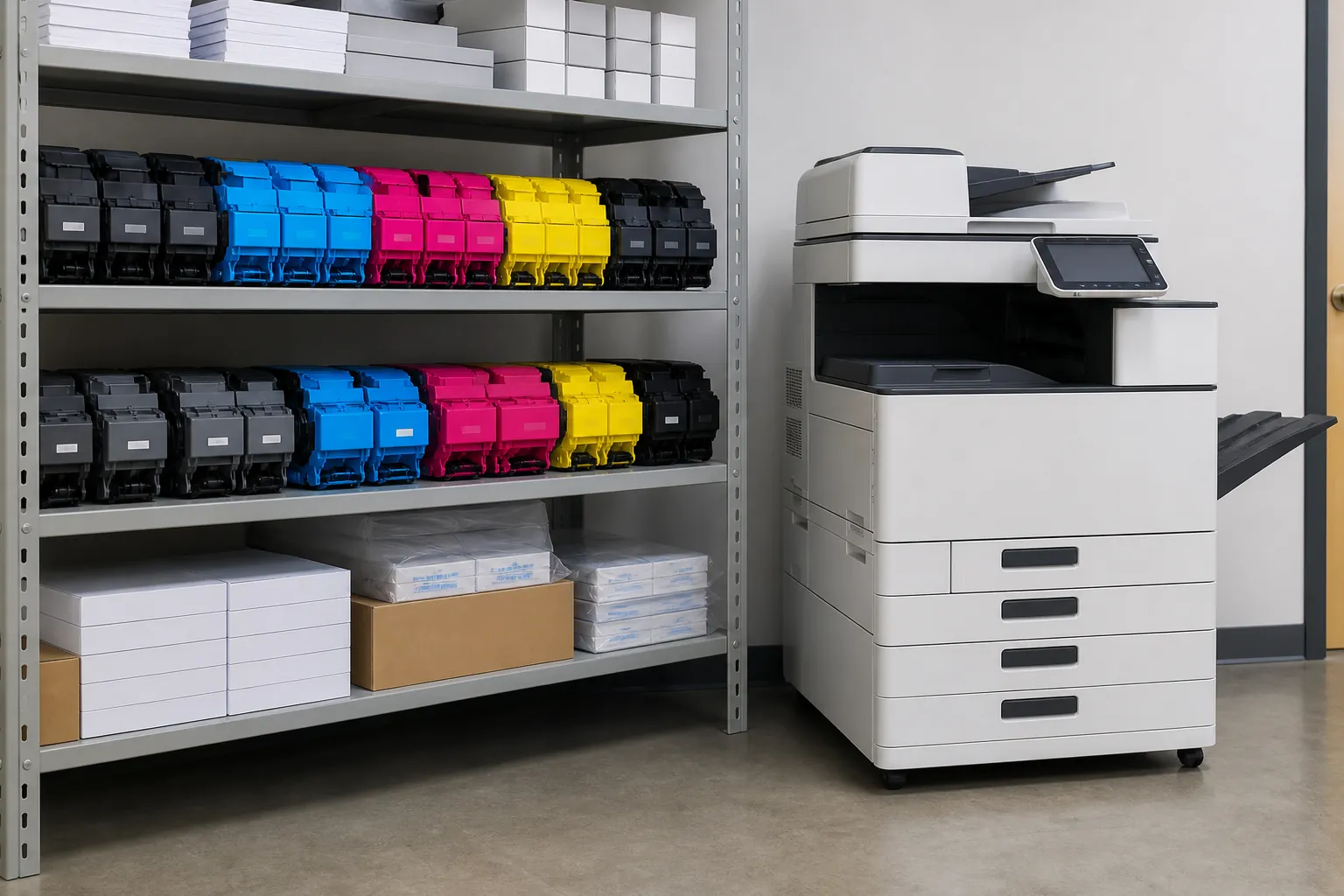
How do office copiers support eco-friendly printing in enterprises?
Enterprise copiers support lower-impact printing through fleet right-sizing, automatic duplexing, secure release, color controls, efficient sleep modes, usage reporting and responsible toner and equipment recovery. The environmental result depends more on policy and measurement than on a single feature badge.
Use this answer to define the requirement, expose meaningful differences among proposals and verify the equipment, service or contract term that supports each claim.
Build an enterprise print-reduction program around fleet data
Baseline pages, devices, energy and paper purchases by location. Remove redundant queues, default suitable work to duplex and monochrome, and use authenticated release for confidential or abandoned jobs. Set quarterly targets and verify results in fleet reports. Include consumable recovery and secure device retirement in the supplier agreement.
Reduce office paper use before buying more hardware
Measure print volume by device and department, remove duplicate queues and set duplex printing where documents allow it. Secure release can prevent forgotten jobs from printing. Digital routing and scan workflows may eliminate repeated copying, but only when the destination and retention process are clear.
Apply the answer across a larger organization
Larger organizations should standardize the requirement, security baseline, service reporting and approval process across locations. Use fleet data rather than anecdotes, test peak departmental demand and define escalation, continuity and account governance. Volume leverage matters only when proposals remain operationally comparable.
Price the equipment around one clear workload.
Give providers the same volume, paper, scanning, finishing and service brief.
Make training part of the solution
Identify the few settings and workflows employees must understand, then require role-appropriate training and a short reference. Train an internal administrator separately. Revisit adoption after thirty days; a feature that users bypass with email, desktop printers or manual steps is not delivering the value used to justify it.
Give IT and operations clear ownership
Decide who maintains users, firmware, certificates, scan destinations, print rules and reporting after installation. Separate provider responsibilities from internal administration. Document how users obtain help and how a security, workflow or billing issue escalates. Good equipment can still fail the business when ownership is ambiguous.
Normalize the quotes before comparing price
Put every proposal into the same table: equipment, accessories, term, service, pages, overages, software, setup, annual increases and end obligations. Mark substitutions and assumptions. This prevents a provider from winning on a lower headline number created by leaving a required component outside the comparison.
Connect this answer to the complete copier decision
Research how do office copiers support eco-friendly printing in enterprises alongside the office copier prices guide, copier lease versus buy comparison, Office Copier Buyer’s Guide, current copier brand guide and local copier pricing directory. Use the office copier answer library for narrower contract and feature questions, then carry one consistent requirement into the copier quote request.
- ENERGY STAR certified configuration
- Automatic duplex default
- Sleep and auto-off settings
- Secure print release
- Color permissions and reporting
- Toner and equipment recycling process
Related buyer questions worth resolving
Closely connected decisions include What are the hidden costs of a copier lease, What size office copier do I need, Should I buy a new or used office copier and What security features should an office copier have. Resolve them before comparing final proposals so price, capacity, service and contract assumptions stay aligned.