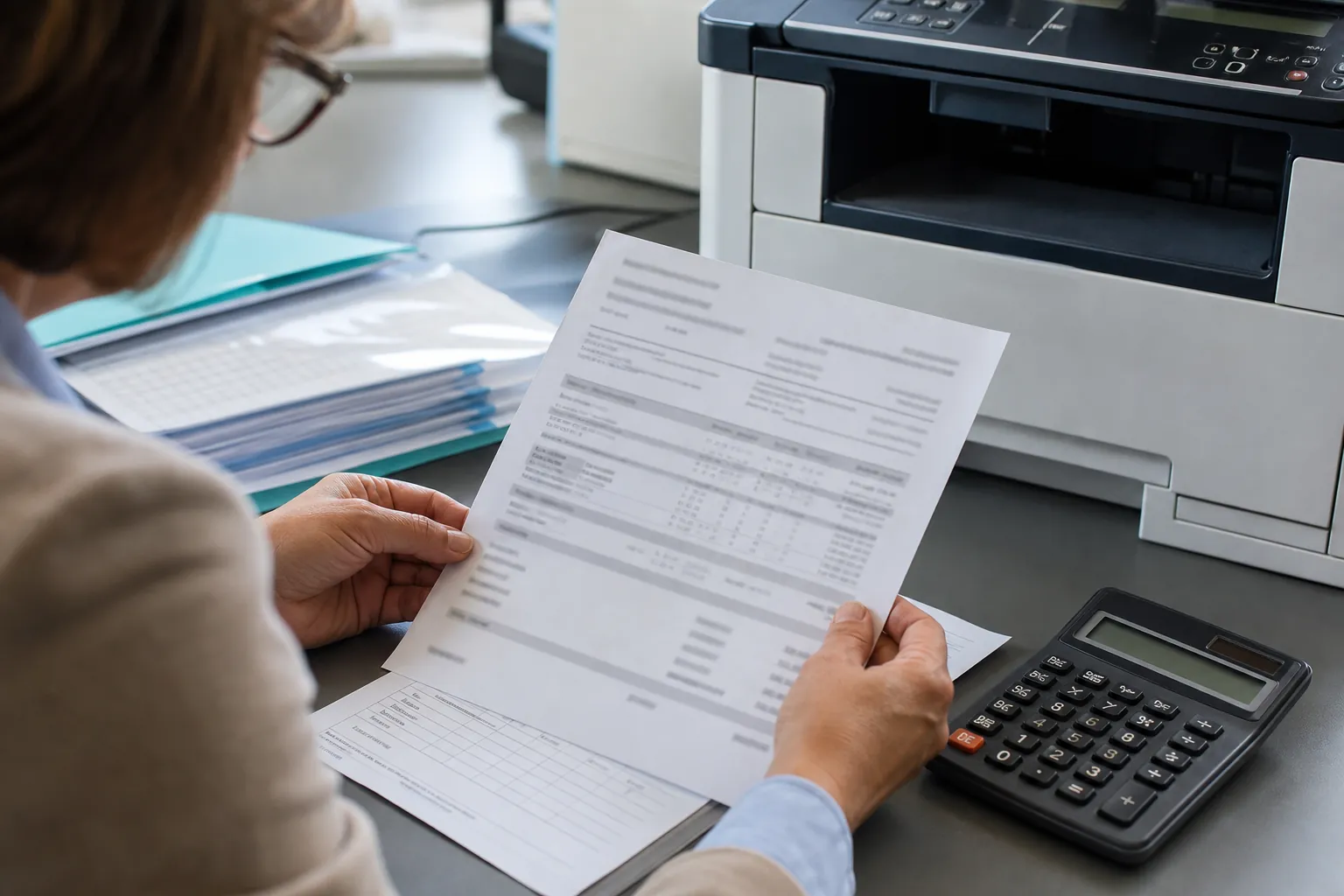
How can office copiers reduce paper waste in small offices?
Small offices can reduce paper waste by setting duplex and monochrome defaults, using print preview, releasing confidential jobs at the device, scanning repeat forms and removing duplicate printers. Track paper purchases and meter counts so policy changes can be measured.
Use this answer to define the requirement, expose meaningful differences among proposals and verify the equipment, service or contract term that supports each claim.
Use simple controls a small office will maintain
Start with default duplex for appropriate documents and a short delay or secure release for shared printing. Teach users how to cancel queued errors and scan to the approved repository. Review discarded output near the copier for a week; the failure patterns often identify more savings than another reporting dashboard.
Track results after copier installation
Record monthly pages, color ratio, paper purchases and fleet energy data where available. Review default settings after department changes. A larger efficient machine can still waste resources when it is poorly placed or used for work that belongs in a digital process.
Apply the answer to a smaller or growing business
Smaller organizations should protect cash without accepting an oversized machine or an inflexible term. Forecast near-term hiring, verify the minimum service charge and confirm whether the device can move, add paper capacity or support another workflow. Favor a clear configuration and responsive support over features no one will administer.
Price the equipment around one clear workload.
Give providers the same volume, paper, scanning, finishing and service brief.
Use service history to test the recommendation
Review the current causes of downtime and the jobs most affected. Ask how the proposed model, configuration and service plan address those specific failures. Require an escalation path for recurrence. Replacement is most valuable when it removes a documented constraint, not merely when the new device has newer specifications.
Put the promise into the equipment and service proposal
Require the provider to identify the model, accessory, setting, software, service obligation or contract clause that makes the answer true. Put recurring subscriptions and exclusions beside the equipment price. If the result depends on work after delivery, assign the responsible party, completion date and acceptance test before approving the proposal.
Make training part of the solution
Identify the few settings and workflows employees must understand, then require role-appropriate training and a short reference. Train an internal administrator separately. Revisit adoption after thirty days; a feature that users bypass with email, desktop printers or manual steps is not delivering the value used to justify it.
Connect this answer to the complete copier decision
Research how can office copiers reduce paper waste in small offices alongside the office copier prices guide, copier lease versus buy comparison, Office Copier Buyer’s Guide, current copier brand guide and local copier pricing directory. Use the office copier answer library for narrower contract and feature questions, then carry one consistent requirement into the copier quote request.
- ENERGY STAR certified configuration
- Automatic duplex default
- Sleep and auto-off settings
- Secure print release
- Color permissions and reporting
- Toner and equipment recycling process
Related buyer questions worth resolving
Closely connected decisions include What is the difference between an A3 and A4 copier, What happens at the end of a copier lease, How much does an office copier cost and Should I choose a color or black-and-white office copier. Resolve them before comparing final proposals so price, capacity, service and contract assumptions stay aligned.