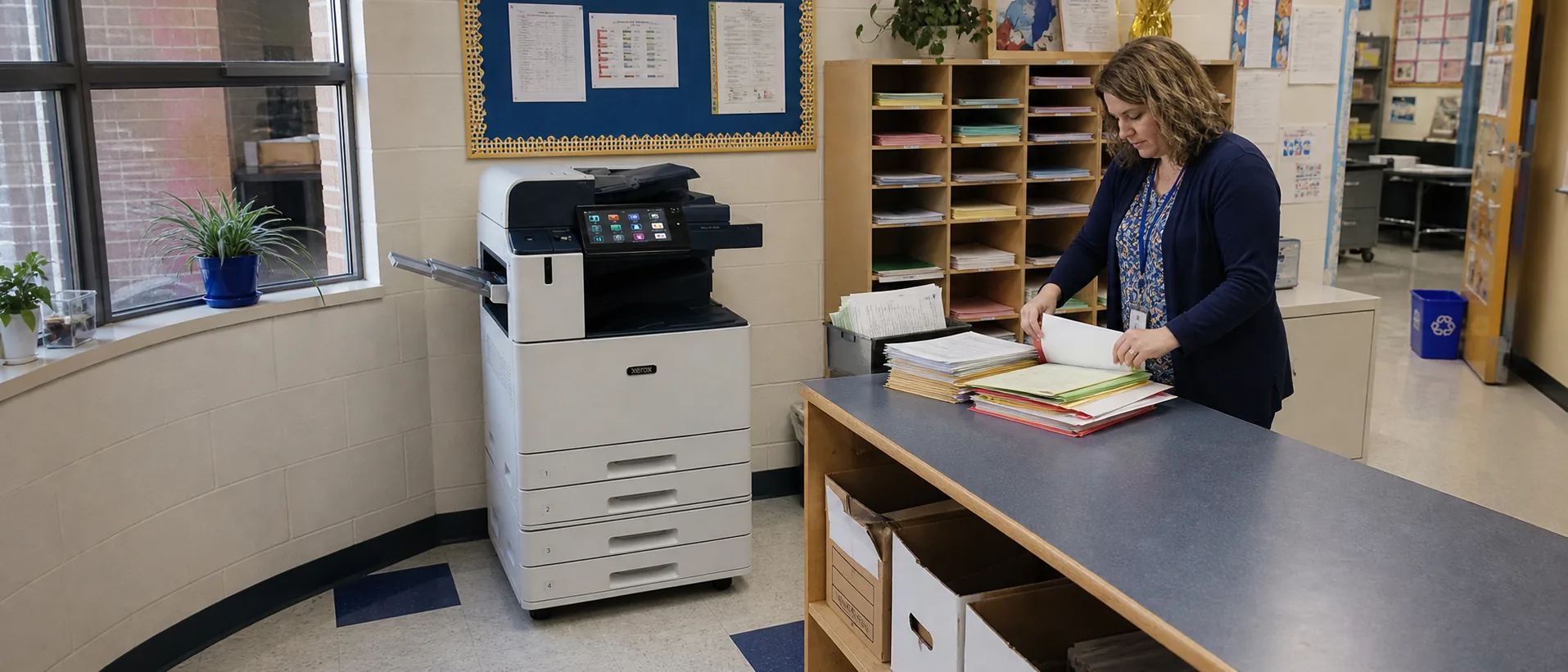
How to evaluate this Xerox model
Confirm whether the quoted unit is new, manufacturer-refurbished, dealer-refurbished or previously placed. Request the complete configuration, current meter information, included accessories and written service terms. A used copier price is meaningful only when the condition, installed options and support commitment are clear.
Compare the complete copier configuration
- Recommended monthly volume and peak workload
- Color or monochrome output requirements
- Paper sizes, installed trays and media handling
- Document feeder and two-sided scanning performance
- Finishing accessories and available floor space
- Security, firmware and network compatibility
- Service coverage, parts availability and supply terms
Ask the provider to demonstrate this exact unit with representative documents. Confirm scan destinations, authentication, paper switching and finishing instead of relying on a general model-family demonstration.
Price, lease and service questions
Compare the equipment amount separately from delivery, installation, network setup, training, supplies and maintenance. For a previously placed machine, document the meter, refurbishment work, warranty and any parts that are excluded from service. Review How much does it cost to lease an office copier, What is the difference between an A3 and A4 copier and What happens at the end of a copier lease and browse the office copier answer library before comparing a proposal.
Return to the Xerox copier guide to compare current product families, or review the broader office copier price guide and copier lease versus purchase comparison.
Compare copier prices around one clear workload.
Include volume, paper, scanning, finishing and service expectations.