Plano is one of North Texas’s principal corporate and employment centers, with large technology, finance, insurance, healthcare, retail and professional-service offices. Multi-floor buildings and distributed teams can create a different buying problem from a single-device small business. Device placement, identity integration and site-level reporting become as important as hardware cost.
A useful Plano office copier price comparison starts with a fleet map: users, departments, device locations, meters, scan systems, confidential records and critical work. This prevents a consolidation plan from saving money on paper while creating queues or a single point of failure.
Design Plano copier placement before selecting models
Map walking distance, peak use, confidential output and the departments that require continuous access. A central high-volume device can reduce cost per page, but it may also create elevator trips, queues and a broader outage. Preserve a reasonable alternative for revenue, patient or executive documents.
Use the copier sizing guide at each device location rather than applying the headquarters total to every machine. Select related models where common drivers and controls help, while allowing speed and paper to differ.
Integrate Plano multifunction printers with corporate security
Define identity, secure release, administrator roles, encryption, firmware, scan destinations and end-of-life sanitization. Review the copier security checklist and require licenses for all intended users.
The dealer and corporate IT team should agree on responsibility for deployment and later access changes. Test a real repository scan and user-release workflow before accepting implementation.
Use managed print data to improve a Plano fleet—not merely replace it
A managed print services assessment should inventory meters, lease dates, service history, color use and direct desktop printers. Require the provider to explain why each device is kept, moved, removed or replaced.
Reporting should remain site- and device-specific. One blended monthly invoice can hide expensive color behavior or repeat failures at a particular Plano office.
Compare Plano copier lease and maintenance obligations independently
Leasing can align refresh cycles and preserve capital; buying can suit stable offices planning longer use. Use the lease-versus-buy guide for ownership, total payments, moves and return terms.
Ask for DFW technician staffing, parts, response and escalation. Review pages, toner, labor and annual increases with the maintenance agreement guide.
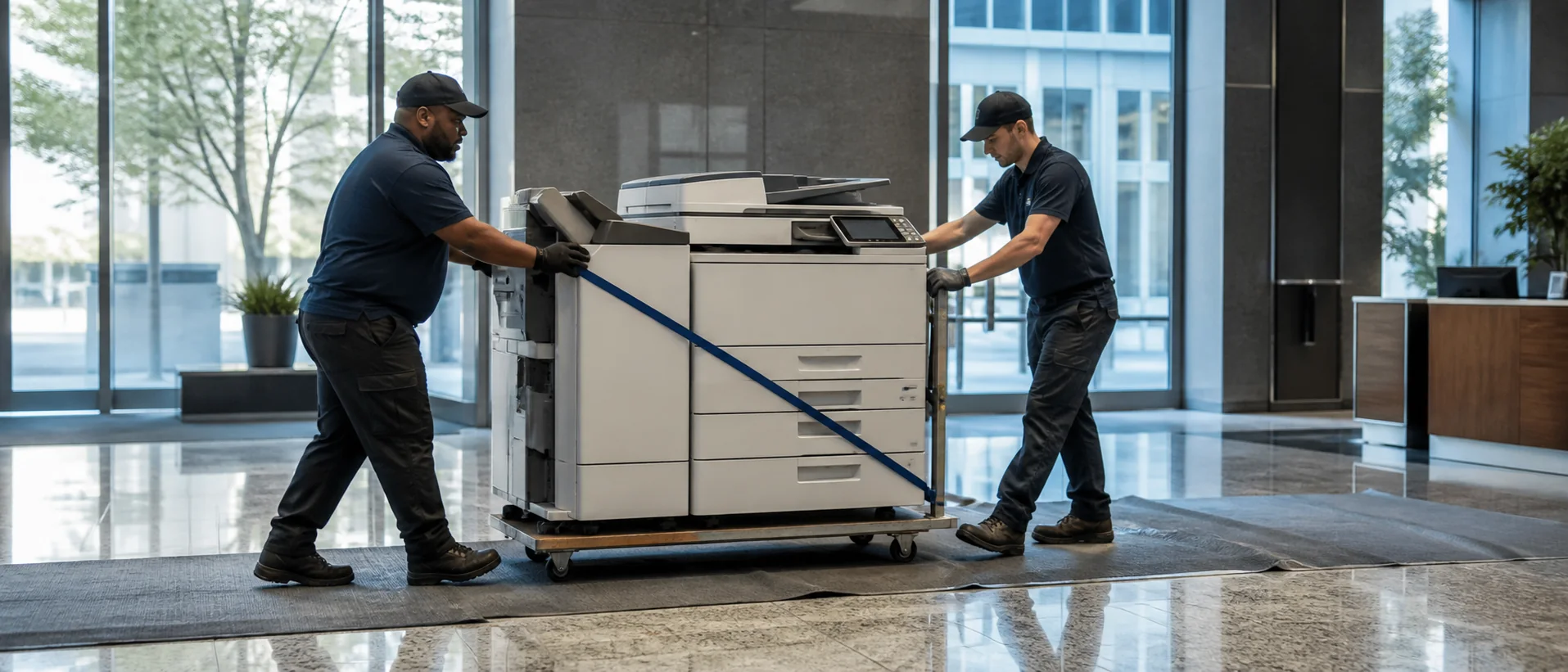
Keep Plano copier contracts usable through office moves and acquisitions
Corporate teams may open, consolidate or absorb North Texas locations during an equipment term. Require a device schedule with serial number, site, department, finance date, service date and approved configuration. The agreement should explain additions, relocations, network rework and co-termination instead of leaving each change to a new sales proposal.
Before moving a unit, confirm the new route, power, network, floor loading and service clearance. Revalidate identity, secure release and repository access with users at the destination. If equipment from an acquired company will join the fleet, record support eligibility and remaining obligations before replacing it; early termination can erase the savings claimed by standardization.
Quarterly reporting should separate every Plano address. A headquarters total can conceal a branch that is repeatedly down, over its allowance or paying for capacity its current team no longer needs.
Build a Plano copier request with a site and device schedule
Use the copier quote checklist and the Texas copier buying guide. Then submit a Plano copier pricing request with locations, security, implementation and local service defined.
Compare placement, security and service across the full office.
Give providers one fleet brief with site-level capacity and accountability.