Baytown’s economy is tied to petrochemical and advanced manufacturing, logistics and distribution, the Houston Ship Channel, education, healthcare and retail. City planning documents identify manufacturing as a major employment sector, supported by industrial parks, highway, rail, barge and deep-water terminal connections.
A useful Baytown office copier price comparison starts with operating records, shift cutoffs, safety requirements, site access and hurricane-season continuity.
Preserve Baytown petrochemical procedures and inspection records
Industrial offices may scan operating procedures, permits, inspections, maintenance sheets, supplier certificates and marked technical pages. Demonstrate worn originals and fine annotations, then verify revision identity in the controlled file.
The copier workflow feature guide helps define feeder handling, searchable capture, naming and approved routes from real work.
Assign Baytown copier ownership across production shifts
Name the employee on each shift who can replenish supplies, clear routine faults, open a service case and activate an approved fallback. Keep configuration and support records available without exposing administrator credentials.
Test a jam and network transfer failure during acceptance. Overnight operations should not depend on an unavailable daytime owner.
Build Baytown shipping scans around port and rail handoffs
Logistics teams may process manifests, receiving records, bills of lading, claims and signed delivery evidence under fixed cutoffs. Run folded, stamped and mixed-size pages in one representative packet.
Retrieve the final file by shipment or work-order reference. The next employee should not need to guess a filename or search an unrestricted folder.
Validate Baytown healthcare intake under routine permissions
Hospitals and clinics should test non-sensitive examples of identification, referrals, authorizations, consents and long duplex forms. Inspect every retained page and introduce one interrupted batch.
Apply the commercial copier security checklist to identity, held release, encryption, destination rights, logs, remote service and sanitization.
Match Baytown education copiers to training and enrollment deadlines
Schools, colleges and workforce programs may have overlapping enrollment, certification, instructional and administrative packets. Measure those peaks separately and identify confidential departments.
Test mixed originals under ordinary staff access, including searchable delivery and a clear correction path for failed scans.
Size Baytown copiers for industrial shifts and deadline overlap
Collect printed pages, scanned sides, active users, largest batches and fixed cutoffs by facility and shift. Shipping windows, maintenance turnarounds and clinical intake can overlap even when the monthly average seems ordinary.
Use the office copier sizing framework for feeder duty, paper reserves, processor load and redundancy.
Place Baytown A3 capacity around recurring technical documents
Industrial diagrams, maintenance tables and site plans may require 11-by-17 output or capture. Apply the A3 versus A4 copier comparison to frequency, scale and shared access.
Test thin lines, annotations and reduction settings before accepting a wide-paper configuration.
Survey Baytown plants, warehouses and medical facilities before delivery
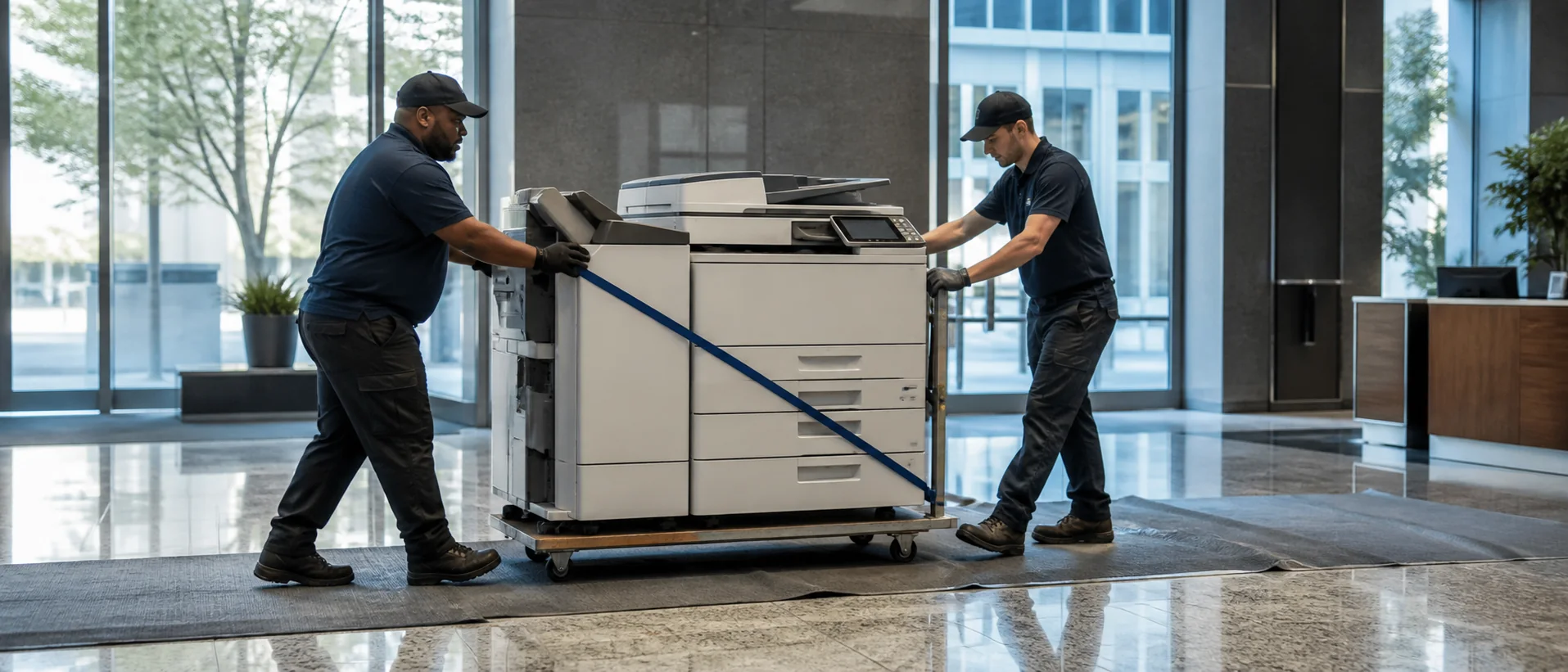
Confirm gates, safety orientation, docks, receiving hours, elevators, doors, turns, service clearance, power and network. Provide separate records and authorized contacts for every address.
Keep devices away from process dust, open dock air and uncontrolled humidity, with dry conditioned storage for toner and paper.
Create a Baytown copier plan for hurricane preparation and site reopening
Document protected shutdown, serial numbers, supply reserves, backup identities and the alternate device for essential industrial or clinical work. Store configuration records where authorized staff can reach them outside the primary building.
Onsite service depends on road, facility and utility clearance; define remote steps and full-restoration criteria separately.
Use Baytown managed print evidence across industrial operations
Build the Baytown managed print baseline from each machine’s meters, outages, consumable cost, access policy and operating purpose. It should distinguish redundant desktop equipment from devices that protect a shift or controlled work area.
Retain local capacity when shifts, safety boundaries, facility distance or storm continuity justify it. Paper movement across controlled sites can erase savings.
Compare Baytown copier service and term costs with site access visible
Review impressions, supplies, field labor, parts, travel and application support through the copier maintenance contract guide. Ask how site credentials affect arrival and escalation.
Use the copier lease-versus-purchase analysis for software, increases, insurance, transfers, renewal and return freight. Compare Sharp systems and Ricoh copiers under one industrial brief.
Request Baytown copier prices with shifts, access and recovery written
Use the copier proposal requirements and Texas copier guide. Require exact equipment, applications, delivery responsibility, dealer and acceptance evidence.
Submit a Baytown copier pricing request with sample records, shifts, facilities and restoration tests.
Compare industrial record integrity, shift resilience and storm-aware Gulf Coast service.
Price Baytown copiers around real operating work, sites and recovery requirements.