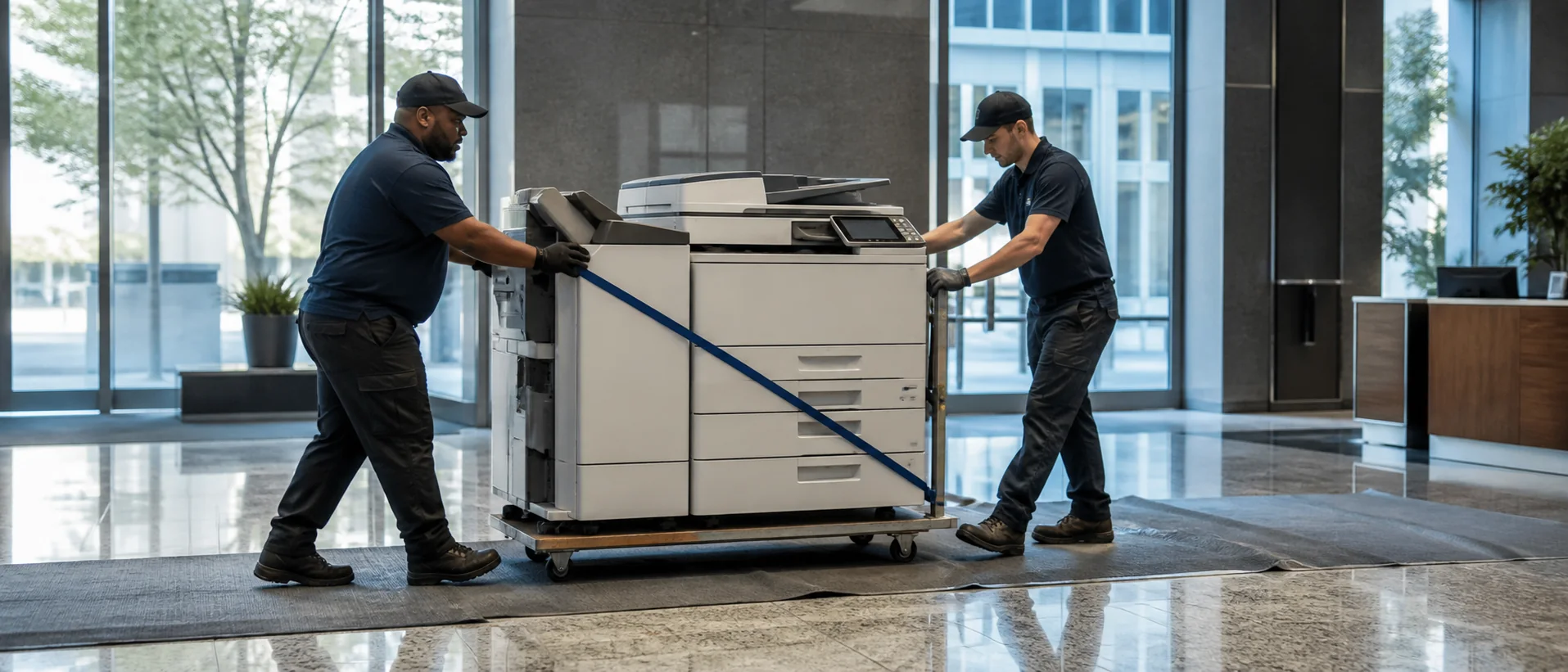
Florida’s office demand stretches from Miami’s international business, finance and real estate activity to Orlando hospitality, Tampa Bay healthcare and professional services, Jacksonville logistics, and Tallahassee government. Seasonal operations, multi-location companies and fast-growing offices can make page volume less predictable than a simple annual average suggests. A copier should be sized around ordinary work plus realistic peaks.
Use Florida office copier pricing guidance to establish equipment classes before comparing dealers. A fair request gives every provider the same volume, paper, scanning, finishing and security assumptions.
Size Florida copiers for the work performed in each market
A Miami real estate or legal office may scan large contract files and need secure client documents. An Orlando hospitality group can require training material, event packets and support across multiple properties. A Jacksonville logistics office may prioritize dependable monochrome output and rapid capture of shipping records. Those differences should appear in the configuration.
Start with the office copier sizing guide, then decide how much print speed is useful. Include feeder speed, paper replenishment and finishing when measuring productivity; print ppm alone does not describe the time employees spend handling documents.
Build business continuity into a Florida copier plan
Florida organizations should understand how supplies and service continue when transportation, power or building access is disrupted. This does not require excessive stockpiling. It does require clear toner monitoring, a reasonable spare-supply policy, surge protection, data backup for address books and known escalation contacts. Ask how settings are restored if a damaged device is replaced.
For a larger fleet, a managed print services program may centralize meters, toner and support. Evaluate whether the provider’s actual field coverage matches the map. A statewide label is not enough when offices operate in South Florida, Central Florida, Tampa Bay and North Florida.
Compare Florida copier lease costs beyond the advertised payment
Seasonal page changes can make overage assumptions important. Calculate the service agreement using low and high months, and ask whether unused allowances roll forward. Review copier lease cost components, including term length, annual increases, insurance and return obligations.
A stable office may prefer ownership, while a growing multi-site company may value leasing and planned replacement. The lease-versus-buy comparison helps frame the decision. Short-term rental should be evaluated separately for temporary projects or event operations because availability, service and delivery pricing can differ from a standard lease.
Secure Florida multifunction printers used for customer and employee records
Hospitality, healthcare, legal, financial and government offices routinely handle information that should not sit unattended in an output tray or remain accessible on a retired hard drive. Require authentication, secure release, administrative controls, current firmware and a documented data-removal process. The office copier security guide provides a practical starting point.
Ask each dealer who configures these controls and whether ongoing security updates are part of service. A brand may support a feature that is not enabled, licensed or included in the quoted model. Verify the installed configuration rather than relying on a family brochure.
Compare Florida copier dealers with one complete specification
Use the copier quote checklist to itemize hardware, accessories, software, setup, training and maintenance. Review Canon, Xerox, Ricoh, Sharp and Konica Minolta families, then ask providers for the closest equivalent to the same brief. A focused Florida copier price request creates a stronger comparison than five unrelated dealer recommendations.
Compare equipment, service territory and continuity planning.
Give every Florida provider the same sites, workload and contract assumptions.