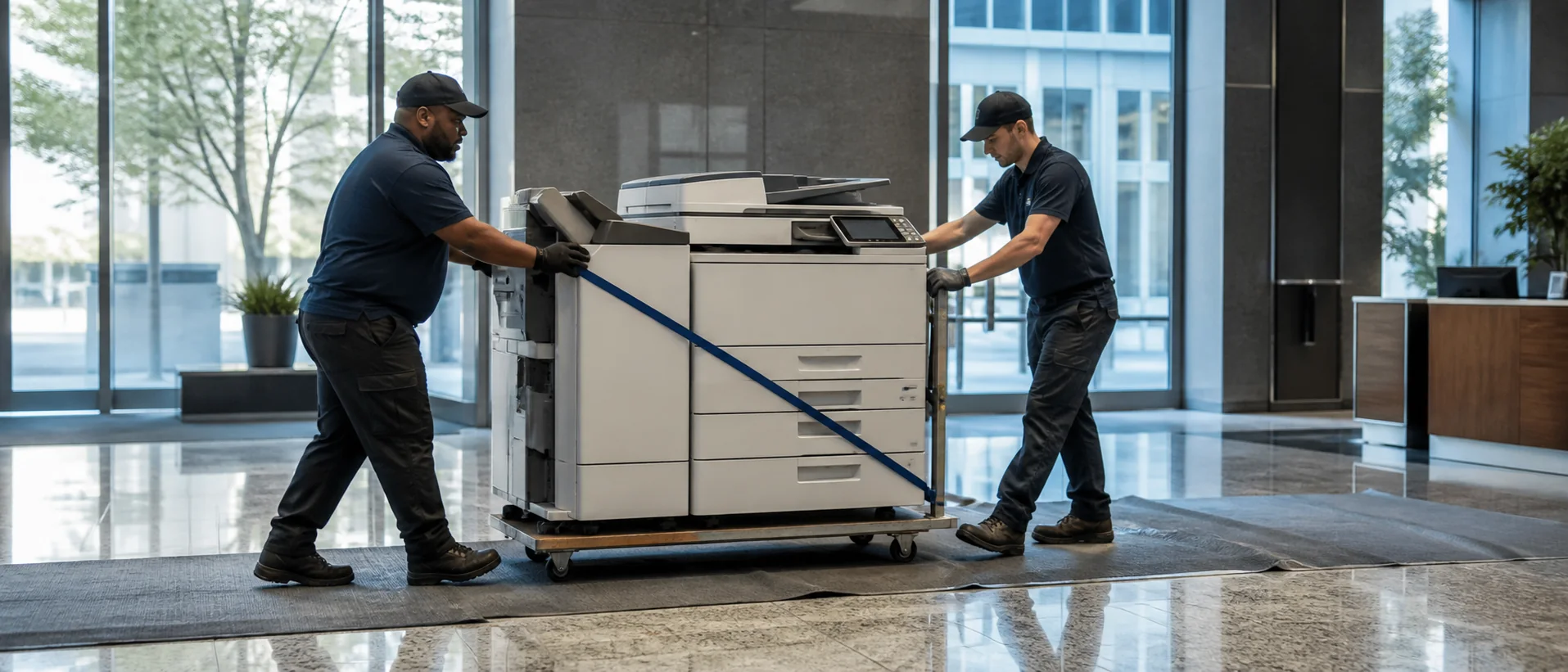
Bridgeport combines major healthcare and education institutions with advanced manufacturing, contractors, nonprofits, professional offices and businesses connected to the waterfront. Those organizations do not share one document pattern: a clinic may prioritize reliable patient-record capture, while a manufacturer needs controlled drawings and a school needs dependable packet production.
Begin a Bridgeport office copier price comparison with real samples, current meters and the deadlines each department must protect. Dealers can then quote the same requirement instead of steering the discussion toward whichever machine is already available.
Build Bridgeport healthcare copier workflows around complete patient records
Hospitals, practices and community health organizations may scan registration forms, referrals, insurance documents and handwritten notes throughout the day. Run a representative packet through each proposed system and inspect the final file in the record platform. The office copier feature guide explains how feeder handling, image cleanup, OCR and destination controls affect the result.
Require named user access, encrypted storage and secure release for sensitive output. The copier security requirements guide can help Bridgeport medical offices document administrator ownership, firmware responsibility and end-of-service data removal before signing.
Preserve revision detail in Bridgeport manufacturing documents
Advanced manufacturers, fabricators and marine-related businesses may handle marked drawings, work instructions, inspection sheets and purchasing records. Demonstrate the smallest annotations and lightest pencil marks that employees actually use. A fast scanner has little value if a faint revision disappears or the file enters the wrong project folder.
Match paper sources and output size to recurring production documents. If 11-by-17 pages are genuinely part of the workload, use the A3 versus A4 copier comparison to weigh native handling against a smaller device and an occasional outside-printing process.
Size Bridgeport school copiers for enrollment and classroom peaks
Schools, colleges and training programs should record testing periods, enrollment windows, course-pack deadlines and the number of people releasing work at once. Average monthly volume can conceal the hour when several large jobs compete for one device. The copier speed planning guide focuses the comparison on completed sets rather than an engine rating alone.
Time the full job with paper changes, scanning and finishing included. Then apply the commercial copier sizing framework to choose capacity that supports the peak without buying a production-class machine for work that occurs only a few times each year.
Plan Bridgeport waterfront and field-office copier continuity
Construction teams, property operations, logistics offices and waterfront businesses may rely on permits, manifests, safety records and vendor packets that cannot wait for a long outage. Identify which documents are operationally urgent and whether a nearby department can provide temporary coverage.
Where weather, dust or irregular building access affects the location, keep paper and toner in protected storage and document delivery restrictions. A modest backup device may provide more resilience than adding excess speed to the primary copier; the right choice depends on the recovery process rather than the headline specification.
Use Bridgeport managed print services to clarify device purpose
A managed print services review can identify scattered supply buying, desktop printers with unexpectedly high cost and departments traveling too far for routine output. Inventory each device by location, user group and business purpose before recommending removals.
Keep equipment that has a defensible need for confidentiality, specialty media, public-counter access or continuity. Reporting should remain visible by machine and site so an organization can verify whether consolidation improved workflow instead of merely reducing the device count.
Compare Bridgeport copier service by restoration capability
Ask which Fairfield County team covers the exact address, what parts are stocked nearby and how the provider handles a device that cannot scan to its principal repository. Use the copier service contract guide to separate included toner, labor and components from travel, staples, network work and other exclusions.
Write distinct expectations for call acknowledgment, technician arrival and restored operation. A provider that reports a quick response but repeatedly closes tickets before the workflow is usable has not met the practical service requirement.
Compare Bridgeport copier leases and purchases using full-term cost
Cash purchase, financed ownership and leasing can each fit a Bridgeport organization, but the best structure depends on capital policy, expected use and the stability of the location. Work through the copier lease-versus-buy comparison, then total equipment payments, service increases, insurance, software, taxes, cancellation conditions and return transportation.
For older equipment, evaluate meter history, firmware support and parts availability with the used and refurbished copier checklist. A low acquisition price is only useful when a qualified provider can keep the machine operating.
Request Bridgeport copier prices with one measurable brief
Give competing providers the same recent meters, peak periods, sample originals, output sizes, scan destinations, security controls and recovery expectations. Check each response against the complete copier quote checklist and the Connecticut office copier guide.
When the specification is ready, submit a Bridgeport copier pricing request. Compare demonstrated document quality, accountable Fairfield County support and the entire contractual obligation—not only the monthly payment displayed at the top of a proposal.
Compare clinical accuracy, production control and Fairfield County service.
Price the work each department must complete and recover.